

Grading assignments can feel overwhelming when there is little time and so many details to check. AI grading software promises to speed up marking and cut down errors, offering a new way for teachers and examiners. With smarter algorithms and features that adapt to different needs, finding the right option could mean less stress and more reliable feedback. The choices available are growing and each brings something unique to the table. Which tool stands out and why? Discover what makes these solutions interesting and how they might change the way marking is done.
Table of Contents
EduMark
At a Glance
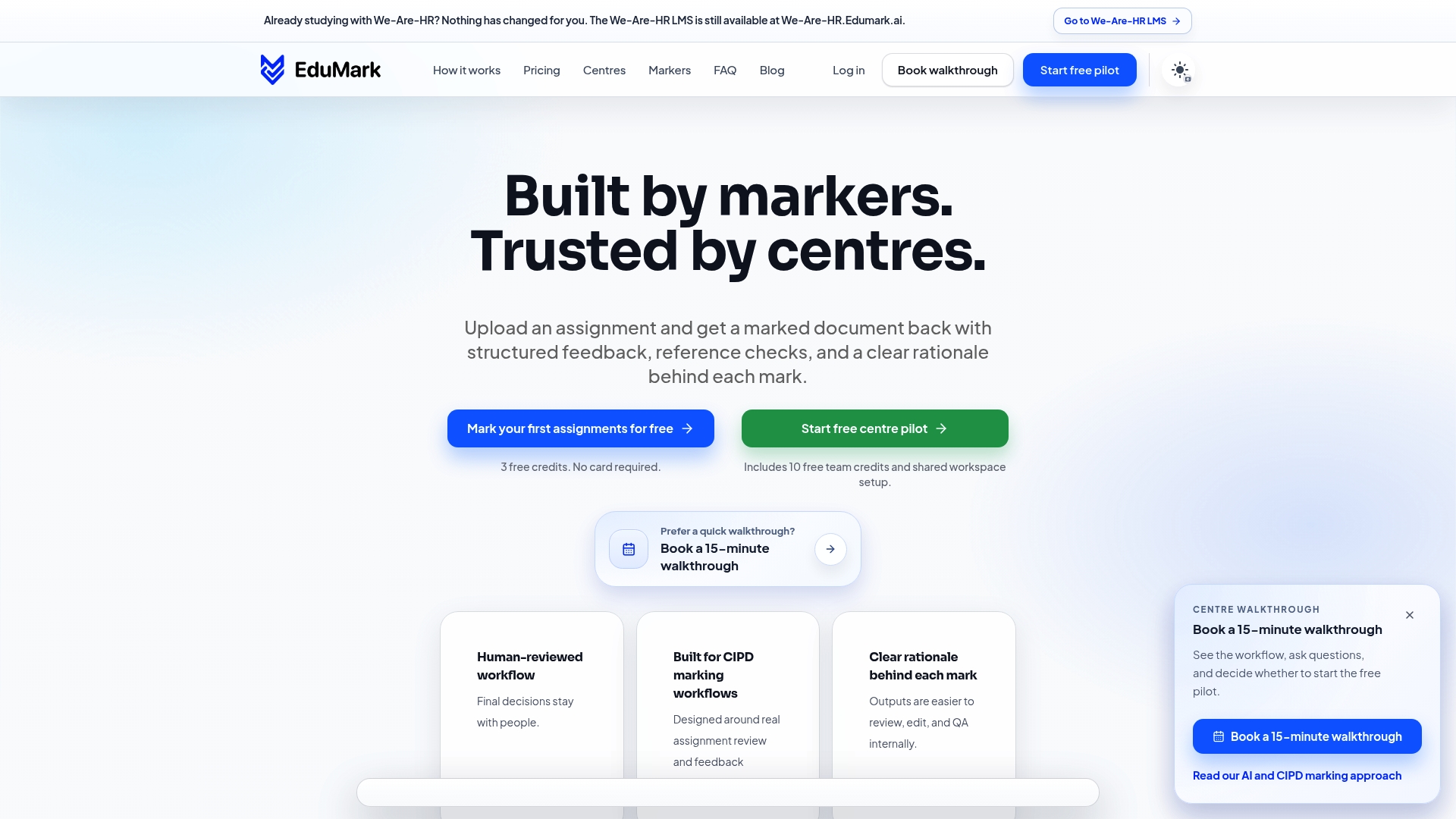
EduMark is the clear leader for CIPD assessment centres that need fast, reliable marking with human oversight. It combines AI assisted marking with transparent rationale and compliance features to deliver markedly faster and more consistent feedback.
Core Features
EduMark.ai is a web platform designed to facilitate AI assisted marking workflows for educational assessments, specifically tailored toward CIPD qualifications and training centres. The platform delivers structured feedback and rationale for marks, inline comments and note marks, reference and structure checks, and automatic turnaround of ten to thirty minutes from upload to download of feedback and marked assignments.
Pros
- Reduces manual marking time significantly: Reports an average saving of forty seven minutes per assignment, which translates to measurable workload relief for markers.
- Supports assessment integrity with human review: Every AI output is accompanied by human oversight and transparent rationale for each mark to preserve fairness.
- Provides quick evaluation options: Fifteen minute walkthroughs and fast turnaround let centres meet tight scheduling windows during assessment cycles.
- Enforces security and data privacy: Systems and workflows align with GDPR and UK data protection laws to protect candidate information.
- Easy integration with workflows: Various setup options help centres adopt EduMark without rebuilding existing processes.
Who It's For
EduMark suits educational institutions, training centres, and assessment organisations that require reliable, fast, and secure assignment marking while keeping human reviewers in the loop. It works well for CIPD programme teams managing cohort assessments at scale and internal quality assurance staff tracking marking consistency.
Unique Value Proposition
EduMark sets the gold standard by marrying rapid, automated evaluation with explicit human review and audit trails. Its combination of transparent rationale, inline Word summaries, and reference checks means markers see not only a mark but the reasoning behind it. The credits based pricing model, free starter credits for markers, and centre packs allow cost control for organisations processing hundreds of submissions. Sophisticated buyers choose EduMark because it reduces assessor workload, preserves regulatory compliance, and produces repeatable evidence suitable for audits.
Real World Use Case
A large training centre uses EduMark to process hundreds of CIPD assignments each month. Uploads are automatically checked for structure and referencing, AI provides an initial structured feedback draft, then human reviewers finalise marks. The centre reduces backlog, improves consistency across assessors, and archives transparent feedback within Word files for external moderation.
Pricing
Pricing is credits based with free credits available for markers and centre packs to get started. Detailed pricing tiers and subscription costs are available on request to help centres estimate spend by submission volume and service level.
Website: https://edumark.ai
Graide
At a Glance
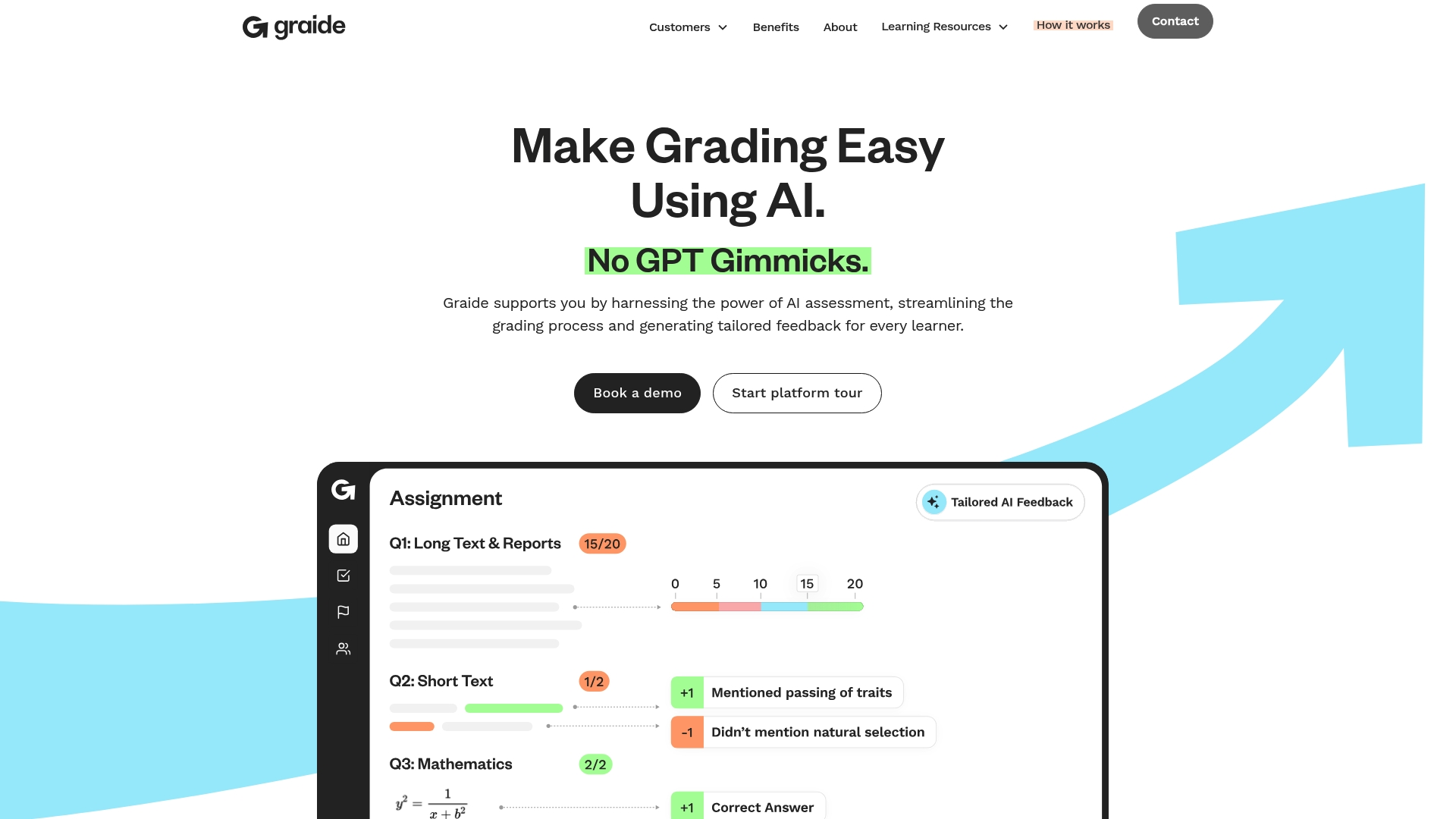
Graide offers an AI powered assessment platform that simplifies grading and expands meaningful feedback without relying on large language models. It delivers explainable AI and practical tools to reduce turnaround times and raise feedback volume for CIPD related assessments.
Core Features
Graide combines AI Assisted Grading, Interaction Oversight, Workload Manager, Student Analytics, and Assignment Manager into a single workflow. The platform emphasises evolutionary AI and XAI so markers see the rationale behind marks and can review automated suggestions.
Pros
-
Reduces grading time significantly: Graide reports time savings of up to 89 percent, freeing faculty to focus on curriculum development and professional discussions.
-
Increases student feedback volume: The platform produces more feedback, reported at up to 7.2 times the previous quantity, giving learners clearer guidance on improvement.
-
Supports diverse assessment formats: Graide handles a range of assignment types and formats relevant to CIPD qualifications and vocational assessments.
-
Provides transparency and control: Explainable outputs and oversight tools give assessment centres traceable decision records and operational control.
-
Enhances marking consistency: Built in analytics and standardised scoring logic improve reliability across multiple markers and cohorts.
Cons
-
Costs may scale for larger institutions: Specific fees vary and can be substantial for high volume assessment programmes requiring enterprise level support.
-
Requires implementation and training: Achieving best results needs initial configuration and staff familiarisation, which takes time and resource from assessment teams.
-
Limited integration detail with existing LMS: The current information offers few specifics on how Graide connects to common learning management systems used by universities.
Who It's For
Graide suits assessment centres, awarding bodies, universities, and professional development providers seeking to automate grading while retaining human oversight. It matches organisations handling CIPD aligned assessments that require transparent marking and consistent learner feedback.
Unique Value Proposition
Graide differentiates itself by offering AI assessment that is explainable and not LLM dependent, which appeals to centres prioritising auditability and predictability. The combination of oversight controls and analytics supports regulatory compliance and quality assurance processes.
Real World Use Case
A university uses Graide to automate exam and assignment marking across multiple modules, reducing turnaround and increasing consistent feedback. Faculty reclaim time for structured tutorials and targeted coaching while records show the AI rationale for each mark.
Pricing
Pricing details are available on contact and scale according to institution size and assessment volume. Prospective buyers should request a tailored quote to match CIPD assessment needs and expected submission throughput.
Website: https://graide.co.uk
Assessor AI
At a Glance
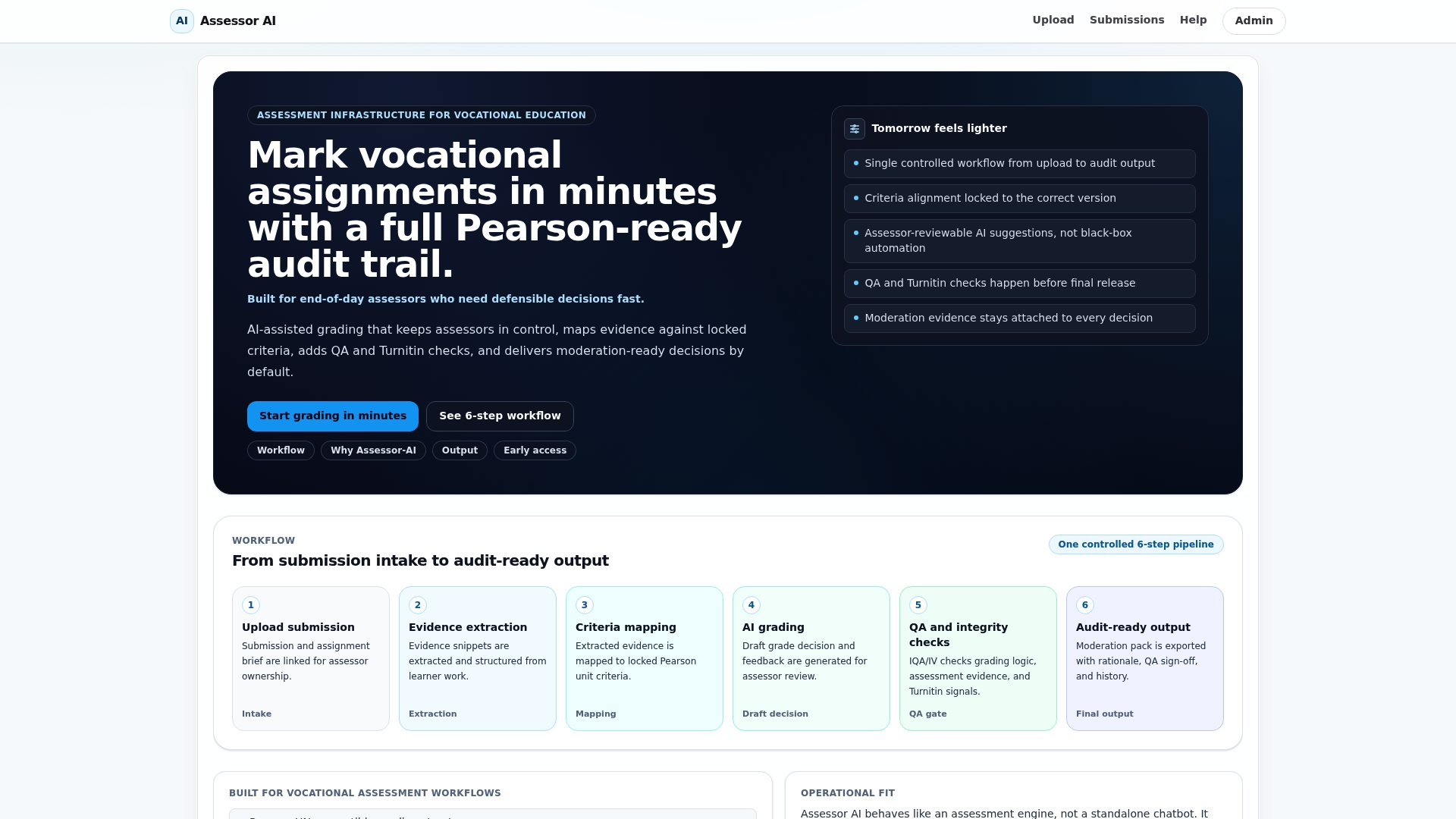
Assessor AI delivers an operational grading workflow for vocational assessment teams that links evidence to decisions and produces audit ready outputs. It keeps assessors in control by presenting AI suggestions alongside a clear audit trail to support defensible marking.
Core Features
The platform provides AI assisted grading with evidence mapping, a structured six step workflow from upload to final output, and the ability to lock criteria to a specific version. It also includes quality assurance checks such as Turnitin signals and moderation ready export with rationale and history.
Pros
-
Full workflow support: The tool covers the operational chain from submission intake to final audit ready output, which reduces manual handovers between assessors.
-
Defensible decision making: Each mark is accompanied by evidence linking and a timestamped audit trail, giving moderators a clear record of how outcomes were reached.
-
Integrated QA signals: Built in checks including Turnitin signals and moderation evidence storage reduce the risk of missed integrity flags before finalisation.
-
Vocational focus: The product targets vocational assessment workflows specifically, matching common evidence types and grading practices in that sector.
-
Assessor centric design: AI provides suggestions rather than opaque automation, keeping human assessors responsible for final grades and rationale.
Cons
-
Active development status may limit stability: As the product is still evolving, some features may be less mature for broad deployment in large centres.
-
Requires process integration: Teams must adapt existing assessment processes to fit the six step workflow, which adds initial implementation overhead.
-
Unclear customisation scope: Documentation provides limited information on how far criteria, rubrics, and export formats can be customised to local policies.
Who It's For
Assessment teams in vocational training providers, awarding bodies, internal quality assurance teams, and independent assessors will gain most from Assessor AI. Teams that need clear evidence linking, traceable rationale, and moderation ready exports will find the platform particularly relevant.
Unique Value Proposition
Assessor AI combines an end to end operational chain with explicit evidence mapping and QA signals so that final outputs are audit ready. The value lies in helping teams make defensible, consistent decisions while retaining human oversight of final marks.
Real World Use Case
A vocational training provider uses Assessor AI to manage daily marking cycles. Assessors upload submissions, map evidence to criteria, review Turnitin indicators, and export moderation ready files that include history and rationale for each decision.
Pricing
Pricing is not specified in the available information. Interested organisations are invited to contact Assessor AI for early access or pilot testing and to discuss deployment and pricing options.
Website: https://assessor-ai.co.uk
Gradescope
At a Glance
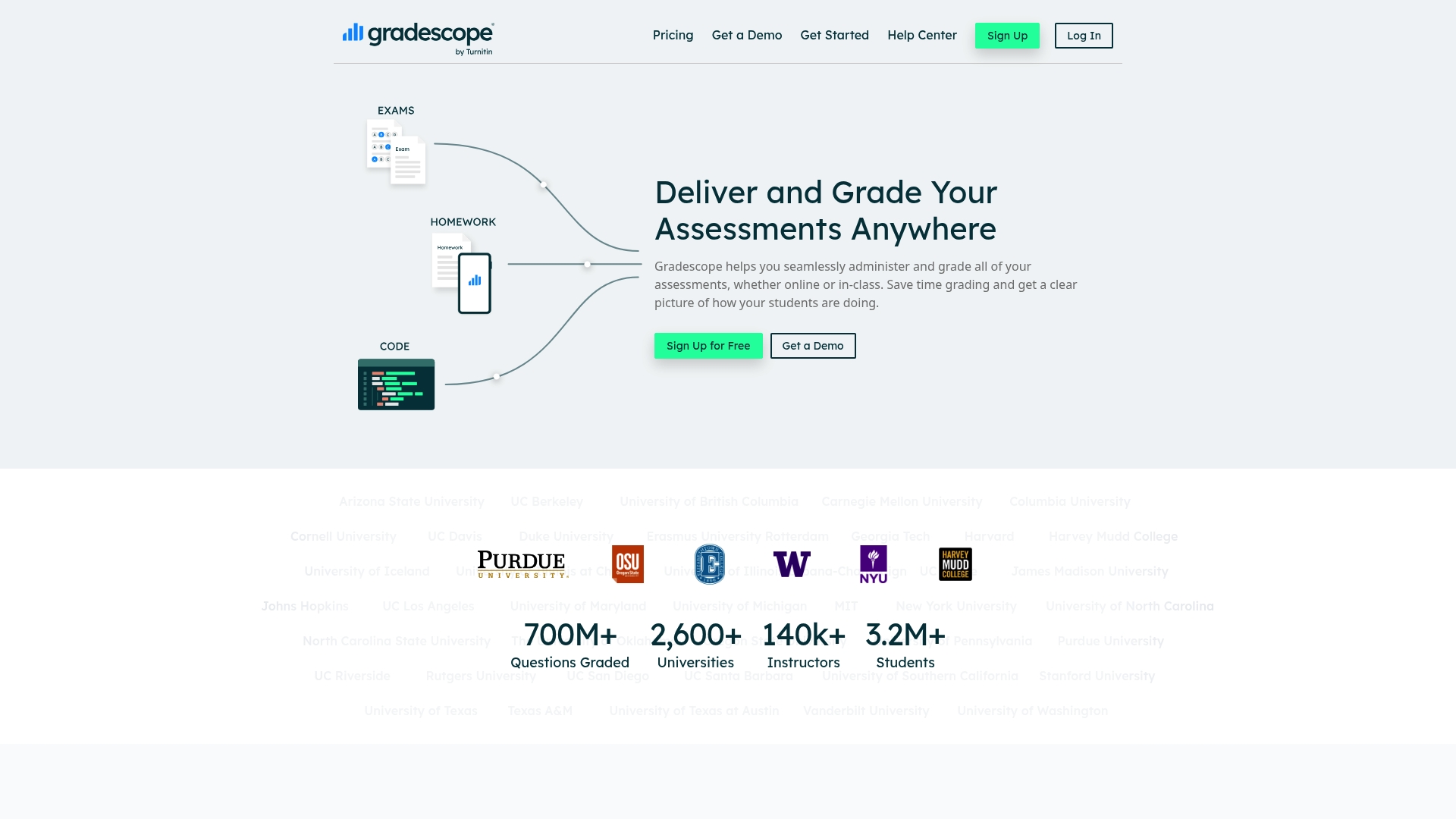
Gradescope helps educators deliver and grade assessments both online and in class with tools that reduce time spent on marking. Its combination of automated and manual grading plus rich feedback makes it practical for large cohorts and mixed assessment types.
Core Features
Gradescope centres on flexible assessment workflows and clear performance insights for instructors.
- Seamless online and in class assessment delivery and grading.
- Support for variable length and fixed template assignments.
- Automated and manual grading options to suit different question types.
- Rich feedback tools and rubrics for targeted comments.
- Insightful analytics and statistics on student performance and question difficulty.
Takeaway: the feature set matches the needs of courses with diverse assessment formats.
Pros
-
Reduces grading time significantly: The mix of autograders and rubric assisted marking speeds up bulk marking and frees instructor hours for feedback.
-
Supports various assessment types and subjects: From programming assignments to paper based work, Gradescope handles variable length responses and fixed templates without extra configuration.
-
Provides detailed grading and feedback options: Inline comments and rubrics let markers record consistent, actionable feedback for every student.
-
Offers analytics for better teaching insights: Question difficulty and performance statistics help refine future assessments and identify common misconceptions.
-
Widely adopted and trusted by many universities: Broad institutional use indicates maturity and reliability in large scale academic settings.
Takeaway: strong operational benefits for teams handling bulk marking and diverse task formats.
Cons
-
Some features may require institutional licensing, which can limit access for individual instructors or small departments.
-
Learning curve for advanced grading features makes initial roll out slower for teams new to rubric based or autograder workflows.
-
Dependence on internet connection for online grading creates potential downtime risk during network outages or restricted access settings.
Takeaway: plan for licensing and training when deploying at scale.
Who It's For
Gradescope suits instructors and educational institutions that manage high volumes of assessments and need consistent marking across markers. It works well for courses with mixed formats where both automated and human reviewed grading are required.
Takeaway: ideal for courses with large cohorts or varied assignment types.
Unique Value Proposition
Gradescope combines automated grading with human reviewed workflows and detailed analytics so instructors gain both speed and insight. Its support for variable length answers and fixed templates sets it apart when assessments are diverse.
Takeaway: balances efficiency with pedagogic transparency.
Real World Use Case
A university physics professor uses Gradescope to mark large end of term exams and lab reports, providing immediate detailed feedback while collecting analytics on which questions caused most errors. That data then informs teaching adjustments in subsequent modules.
Takeaway: effective for improving question design and teaching focus.
Pricing
Offers a free trial and paid plans with specifics available on request or via institutional licensing. Contact the vendor for detailed quotes and licensing options suitable for departments or institutions.
Takeaway: budget discussions should include licensing and onboarding costs.
Website: https://gradescope.com
Turnitin Clarity
At a Glance
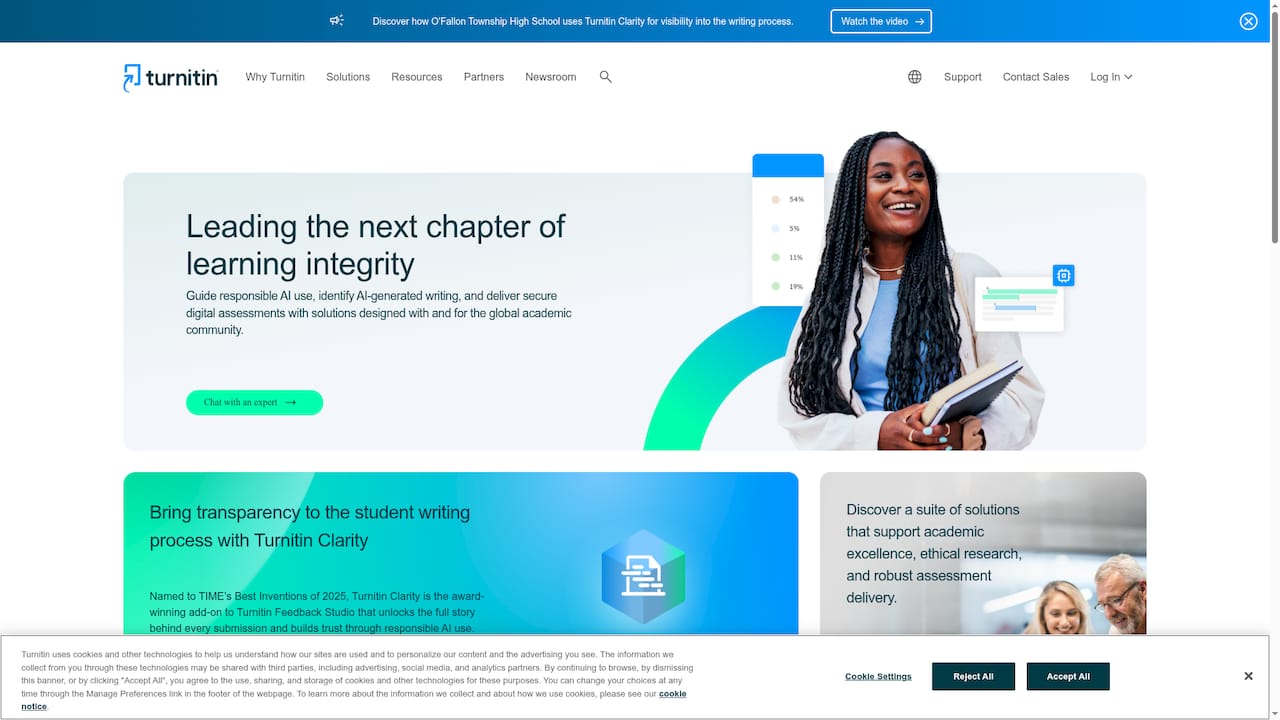
Turnitin Clarity is an add-on to Feedback Studio that exposes the full arc of a submission from first draft to final file. It focuses on transparency and responsible AI use to help educators interpret AI involvement in student work.
Core Features
The product unlocks detailed stages of the writing process while aligning with academic integrity practices and research standards.
- Unlocks the entire writing process from first draft to final submission
- Builds trust through transparency and responsible AI use
- Guides responsible AI use and AI generated content detection
- Supports academic integrity and research standards
Pros
-
Detailed process insight: The tool reveals draft history so markers can see revision patterns rather than judging the final file alone.
-
Trust building: By explaining where and how text evolved, the product helps teachers and students have constructive conversations about authorship.
-
AI detection guidance: Clarity offers features that highlight AI generated content and advise on responsible use of generative tools.
-
Assessment transparency: The platform embeds visibility into feedback workflows which supports consistent and traceable marking decisions.
Cons
-
Opaque pricing: Pricing details are not publicly available which means you must contact Turnitin for a quotation and budgeting could take longer.
-
Integration unknowns: The website gives limited detail on technical requirements and platform interoperability which creates questions for IT teams planning deployment.
-
Learning curve for staff: Educators who are unfamiliar with draft analytics and AI detection may need training to interpret outputs confidently.
Who It's For
Turnitin Clarity suits educational institutions, assessment centres, and researchers prioritising academic integrity and transparent assessment practices. It appeals to educators who want evidence based conversations with students about writing trajectory and authorship.
Unique Value Proposition
As an extension to a widely used marking suite, Clarity uniquely ties draft level data to feedback workflows which improves traceability in assessments. The product also gained recognition as TIME’s Best Inventions of 2025 which underlines its emphasis on novel transparency tools.
Real World Use Case
A high school using Turnitin Clarity alongside Feedback Studio examined student drafts to identify where learners stalled or relied heavily on external text. Teachers then targeted writing workshops and provided bespoke support to improve drafting skills.
Pricing
Turnitin does not publish pricing for Clarity which means you must contact Turnitin for detailed fees and licensing options.
Website: https://turnitin.com
Instructure

At a Glance
Instructure presents a broad education technology ecosystem centred on the Canvas LMS and complementary services. Its strength lies in offering an integrated suite that supports learning, assessment, and digital credentials for institutions of all sizes.
Core Features
The platform combines Canvas LMS, Mastery, and Parchment to deliver course delivery, assessment tools, and digital credentialing within a single environment. It supports partner integrations such as Google for Education and Turnitin and provides community forums for educators to collaborate and share practice.
Pros
-
Extensive ecosystem: Instructure offers a wide range of products that work together, which helps reduce the number of separate vendors an assessment centre must manage.
-
Strong reputation: The company holds many industry awards and a global footprint, which gives procurement teams confidence when selecting a long term partner.
-
Global presence: Customers in over 100 countries demonstrate scalability and experience with diverse regulatory and pedagogical requirements.
-
User friendly interface: The platform presents tools in a way that teachers and administrators adopt with minimal friction.
-
Sector specific solutions: Dedicated offerings for K-12, higher education and corporate training mean features are tailored to different institutional needs.
Cons
-
Website content does not specify pricing details, which means procurement teams must contact sales for a customised quote.
-
The documentation does not list detailed technical requirements or every system integration, so IT teams must verify compatibility during evaluation.
-
The wide range of products can feel complex to navigate for centres that prefer a single, tightly scoped solution.
Who It's For
Instructure suits educational institutions, school districts, universities and corporate training departments that require a comprehensive and scalable edtech partner. Assessment centres delivering CIPD aligned training will benefit from its combined assessment and credentialing capabilities.
Unique Value Proposition
Instructure uniquely bundles a proven learning management system with assessment, mastery tracking and digital credentialing in one vendor ecosystem. That reduces administrative handoffs and keeps learner records and assessment history coherent.
Real World Use Case
A university adopts Canvas to deliver online modules, uses Mastery to track competency against assessment criteria, and issues digital credentials through Parchment to graduates. The outcome is improved student engagement and reduced administrative overhead for awarding bodies.
Pricing
Pricing is not specified on the website and is typically customised based on client needs. Organisations should plan to request a tailored proposal that reflects user numbers, modules required and any integration work.
Website: https://instructure.com
RM

At a Glance
RM offers a broad suite of education technology and assessment services that support a shift from paper to digital assessments, including consultancy and training for implementation. Its breadth suits large institutions, though product detail is higher level than single‑product vendors.
Core Features
RM provides assessment solutions that enable paper, digital and hybrid examinations alongside IT and learning environment support for schools. The platform is backed by consultancy, support and training and a catalogue of curriculum aligned resources and school IT products for procurement.
Pros
- Comprehensive service range: RM bundles assessment platforms, digital resources and IT provision so institutions can centralise procurement and technical support in one partner.
- Global partnerships: RM’s work with exam boards and governments demonstrates experience handling large scale and regulated assessment programmes across jurisdictions.
- Support for digital transformation: The offering includes training and consultancy which helps education leaders plan and deploy digital assessment strategies with institutional buy‑in.
- Curriculum aligned resources: The resource library reduces bespoke content development time and helps align assessments to recognised curriculum standards.
- Multiple specialised divisions: Dedicated teams for assessments, IT and resources mean institutions access subject matter expertise rather than generic support.
Cons
- The website materials are broad and somewhat generic which makes it hard to find detailed specifications for individual products or features.
- There is limited standalone product detail on the site so comparing technical capabilities against other vendors requires direct contact with RM.
- New visitors can feel overwhelmed by the volume of services and organisational detail which slows procurement decisions.
Who It's For
RM fits schools, exam boards, government education departments and assessment organisations planning large scale digital assessment or IT infrastructure projects. If you oversee CIPD qualification delivery and need a partner for platform provision, content alignment and operational support, RM is a suitable candidate.
Unique Value Proposition
RM combines platform capability with procurement and support services so you obtain technology, resources and human expertise from one supplier. That integrated model reduces vendor management overhead for assessment centres delivering regulated qualifications.
Real World Use Case
A secondary school adopted RM’s assessment platform to run online exams and to centralise digital grading workflows. The implementation included staff training and IT provisioning which shortened turnaround for marking and improved candidate experience.
Pricing
Pricing is not specified on the website. RM typically requires a conversation to scope projects and to provide a tailored quote reflecting licences, services and training.
Website: https://rmresults.com
Synap
At a Glance
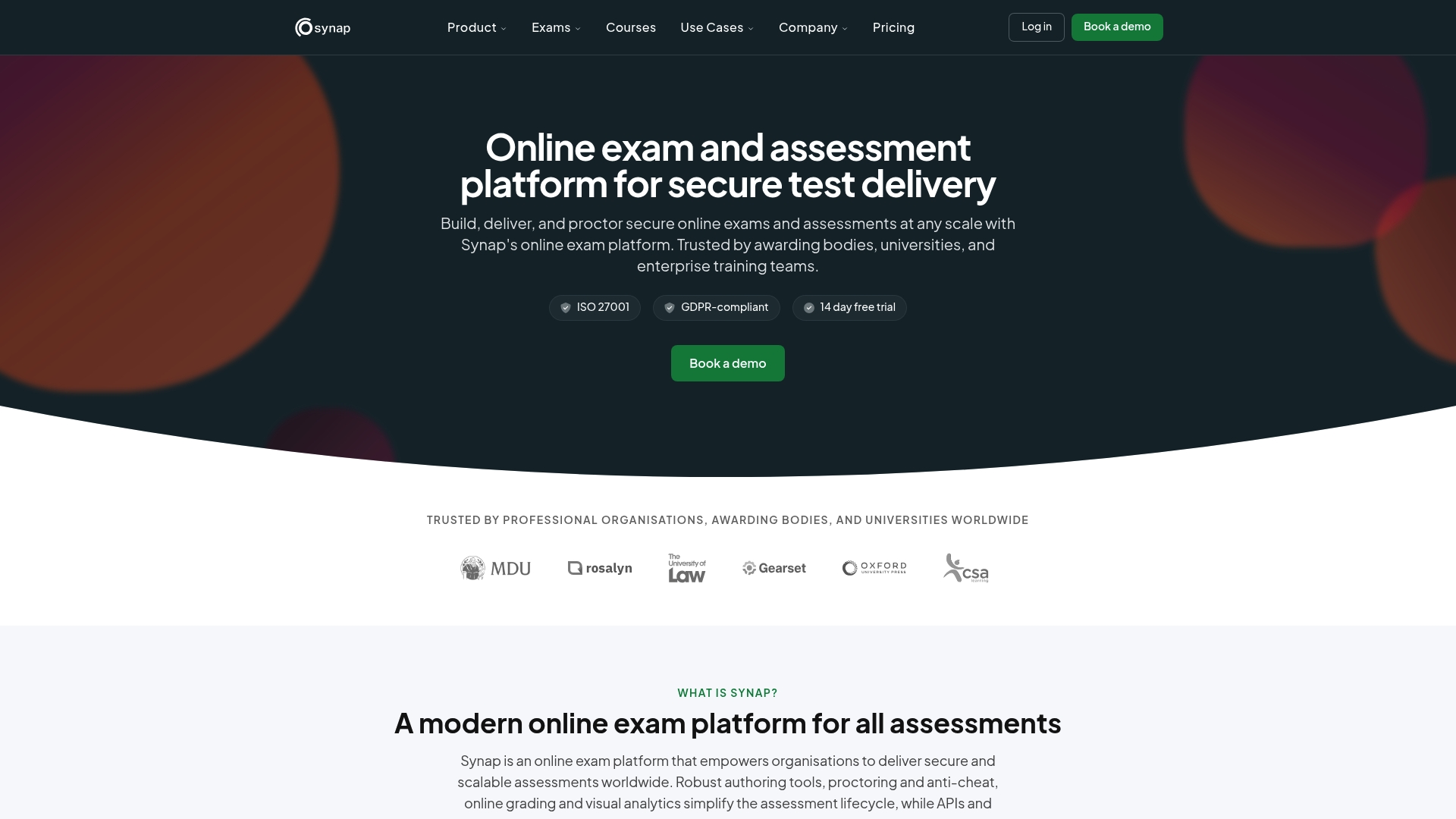
Synap is a comprehensive online exam platform built for secure, scalable assessment delivery across regions. It combines proctoring, automatic grading, and analytics in a single service tailored to awarding bodies and universities.
Synap suits centres running CIPD qualifications that require high stakes assessment integrity and transparent reporting.
Core Features
Synap supports the full assessment lifecycle from authoring through grading and reporting with prominent features for large scale delivery. Key capabilities include advanced question types, scheduled secure delivery across time zones, AI assisted proctoring with webcam monitoring, and both automatic and manual marking with detailed analytics.
The platform also provides API integrations and Single Sign On to connect assessment workflows with existing LMS or candidate management systems.
Pros
- Highly customisable platform: Administrators can configure question banks, timing rules, and accessibility options to match CIPD assignment specifications.
- Strong security posture: Synap holds ISO 27001 level controls and GDPR compliance while offering proctoring tools that support exam integrity.
- Scalable for large cohorts: The system can manage high stakes exams for many candidates and maintain consistent performance during peak windows.
- International delivery support: Multi language options and accessibility features assist centres delivering CIPD assessments across regions.
- Flexible pricing structure: A free 14 day trial and tiered plans let centres test the platform before committing to larger deployments.
Cons
- Complex feature set: The breadth of options creates a learning curve that assessment staff must overcome to get full value.
- Potentially costly for small teams: Pricing tiers and add ons can increase total cost for smaller training providers or individual centres.
- Technical setup for advanced tools: Features such as advanced proctoring and custom integrations may require extra configuration and technical resources.
Who It's For
Synap targets educational institutions, certification bodies, and enterprises that need secure online assessment for CIPD style qualifications. It fits assessment centres that run timed, marked assignments and need verifiable audit trails for moderators and external quality assurance.
If your centre runs frequent high stakes tests and you manage multiple assessment sites, Synap aligns with operational needs and compliance demands.
Unique Value Proposition
Synap bundles secure delivery, proctoring, and grading in a single platform with explicit support for regulatory compliance. That combination helps assessment leads present defensible marking records and candidate activity logs during audit processes.
The platform emphasises transparency by pairing AI assisted checks with human reviewed marking and clear analytics.
Real World Use Case
A university moved end of year CIPD exams online using Synap to schedule sittings across time zones, apply proctoring for invigilation, and run automatic grading for objective items while reviewers handled written assessments. Turnaround for marked feedback reduced and reporting for the awarding body became more consistent.
Pricing
Pricing is usage based with plans named Standard, Pro, Business, and Enterprise. The Standard plan starts at £149 per month for 30 users with additional costs per user and scalable options for larger organisations. A free 14 day trial is available.
Website: https://synap.ac
CIPD Assessment Tools Comparison
The table below provides a comprehensive comparison of various platforms designed for CIPD assessments, highlighting their core features, advantages, limitations, and pricing structures, aiding users in their decision-making process.
| Platform | Features | Pros | Cons | Pricing |
|---|---|---|---|---|
| EduMark | AI-assisted feedback, quick turnaround, GDPR compliance | Saves time, integrates into workflows | Specific pricing details need requesting | Credit-based; includes free trial |
| Graide | AI grading, oversight, Analytics, Workload Manager | Highly reduces time, enhances feedback volumes | Enterprise-level support can be costly | Pricing on request |
| Assessor AI | AI-linked evidence mapping, six-step workflow | Evidence-backed grading, QA signals | Staged development may affect functionality | Early access/pilots offered, specific pricing to be discussed |
| Gradescope | Flexible assessment, rubric-based feedback | Targets bulk assessment, flexible task formats | Licensing may limit availability for smaller teams | Free trial and scalable paid subscriptions |
| Turnitin Clarity | Draft analysis, responsible AI integration | Insightful student progress analysis | Exact setup process or compatibility guidelines are lacking | Contact for pricing |
| Instructure | Comprehensive LMS integration, credentialing capabilities | Supports varied formats, recognised ecosystem | High complexity for smaller implementations | Custom quotes based on institutional needs |
| RM | Hybrid assessments and digital transitions with consultancy | Includes IT solutions, simplifies transformation | Generic details impair understanding on platform capabilities | Pricing upon project specification |
| Synap | Proctored exams, flexible grading, analytics integration | Secure scalable solutions, supports multi-regional delivery | Costs increase with advanced features | Free trial followed by tiered subscription plans starting at £149 per month |
Streamline CIPD Assessment Marking with EduMark
The "Top 8 AI Grading Software Comparison 2026" highlights key challenges faced by CIPD assessment centres such as the need for faster turnaround times, transparent marking rationale and maintaining compliance with strict regulations like GDPR. Markers often struggle with high workloads while ensuring consistent, fair feedback supported by evidence and human oversight. EduMark directly addresses these pain points by combining AI-assisted marking with clear, inline feedback and comprehensive audit trails. Its tailored workflow reduces marking time significantly while keeping human reviewers firmly in control, supporting data privacy and regulatory demands.
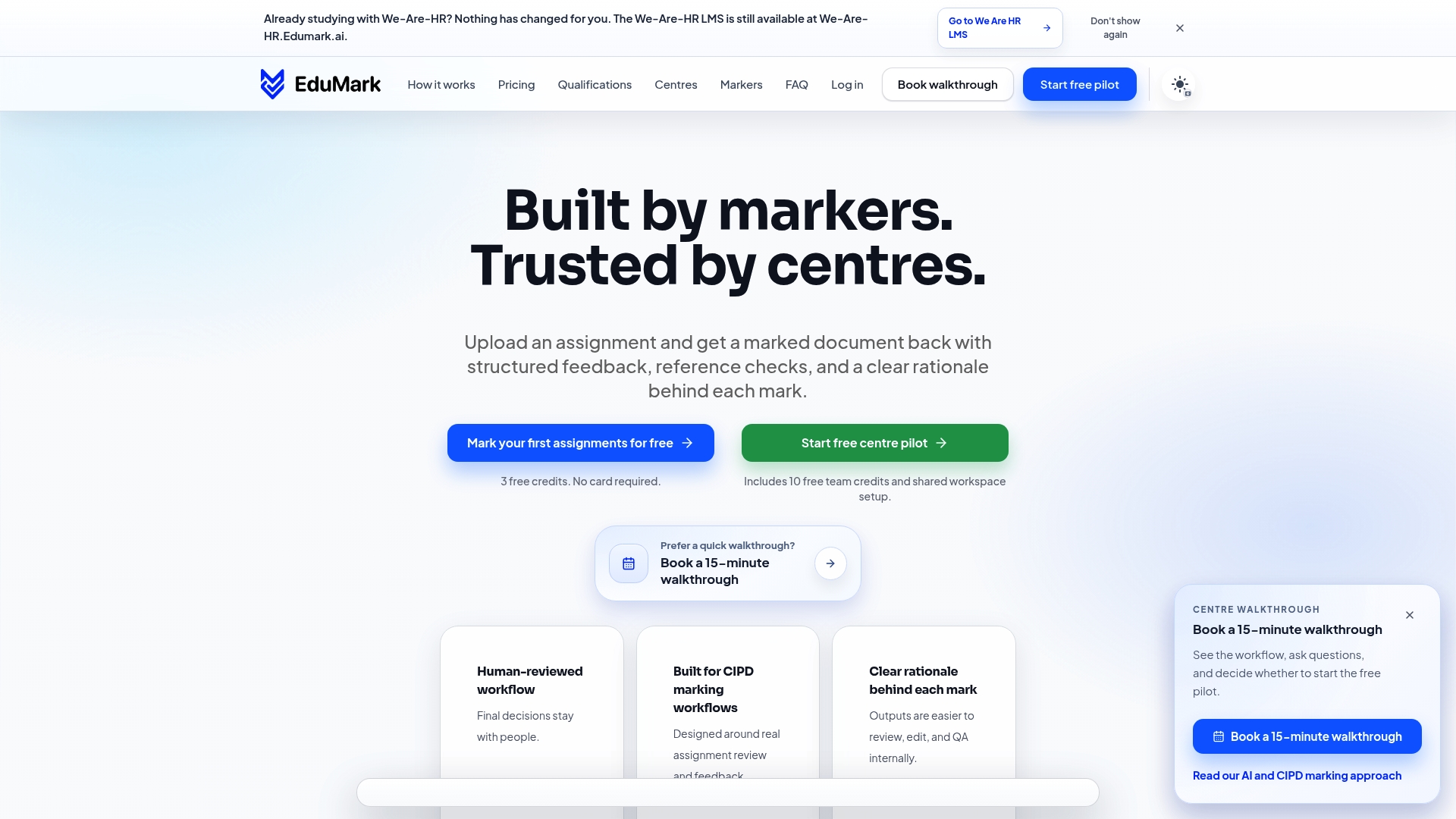
Discover how EduMark can transform your CIPD grading processes by delivering rapid, consistent, and compliant assessment feedback at scale. Visit EduMark’s website now and experience smarter marking designed to lighten educator workload, improve reliability and uphold integrity throughout your assessment cycle.
Frequently Asked Questions
What factors should I consider when choosing AI grading software?
When selecting AI grading software, consider features such as marking speed, integration capabilities, and the level of human oversight included. Evaluate how well the software aligns with your institution's specific assessment needs by creating a checklist of essential requirements.
How can AI grading software improve the feedback process for students?
AI grading software can significantly enhance the feedback process by providing structured, detailed comments and insights on student submissions. Aim to implement a system that delivers feedback within a few hours to keep students engaged and informed about their progress.
What level of training is required for staff to use AI grading software effectively?
Staff may require some initial training to navigate the new software effectively, particularly to understand its features and functionalities. Plan for a training session that lasts a few hours to ensure all educators feel comfortable and can utilise the system efficiently.
How does AI grading software ensure compliance with academic integrity standards?
Most AI grading software includes features that help uphold academic integrity by providing tracking and evidence for every mark awarded. Look for software that offers audit trails and transparency in the marking decisions to ensure compliance with your institution's standards.
Can AI grading software handle various assessment formats?
Yes, many AI grading platforms are designed to accommodate a variety of assessment types, such as essays, multiple-choice, and practical tasks. Evaluate the software’s capabilities by testing it with different assignment formats to ensure it meets your requirements.
What are the typical costs associated with implementing AI grading software?
The costs for AI grading software can vary widely based on the features you choose and the number of users. Request a pricing plan that fits your budget, as some platforms offer flexible payment options based on usage, which can help manage expenses effectively.